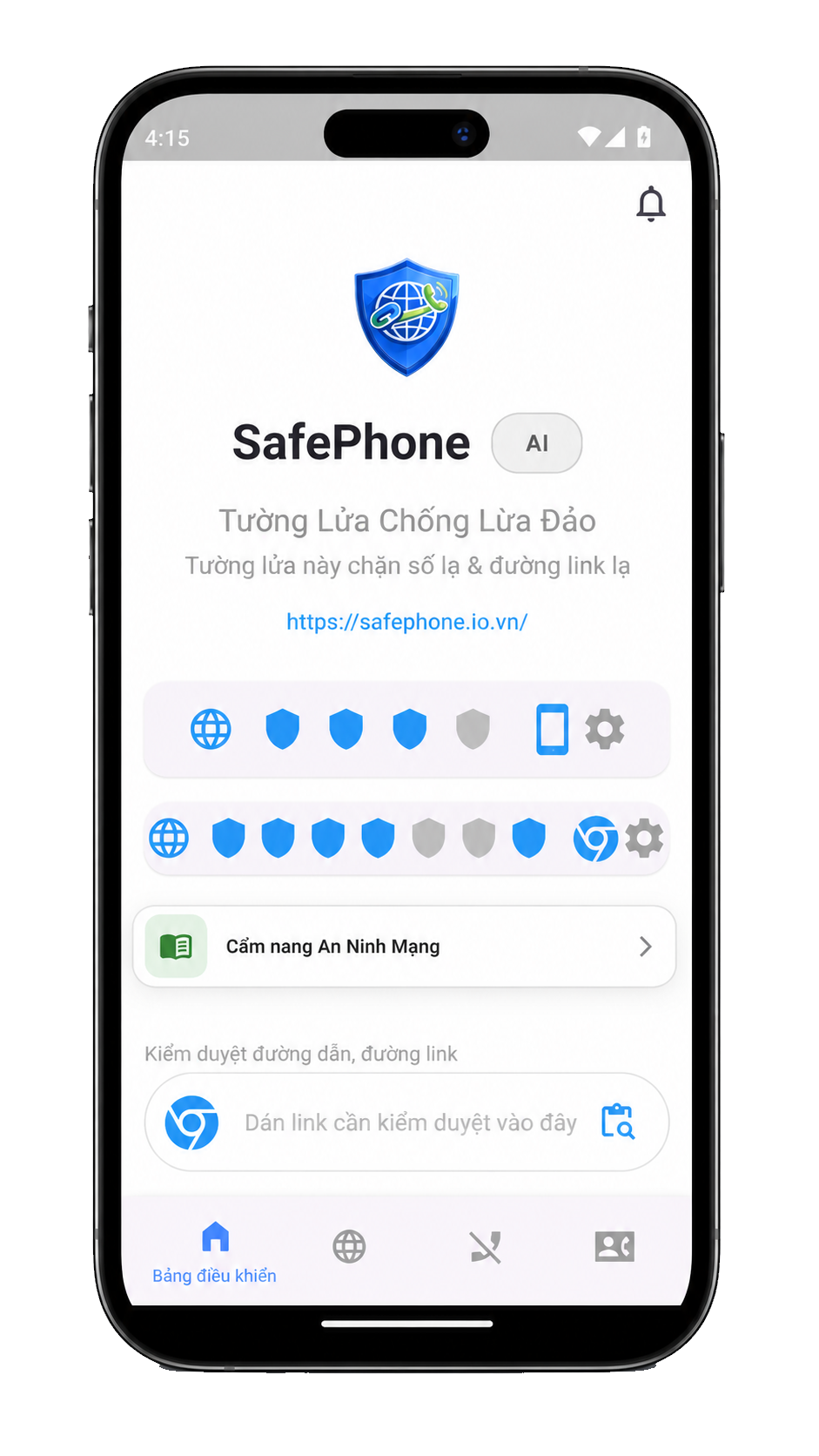
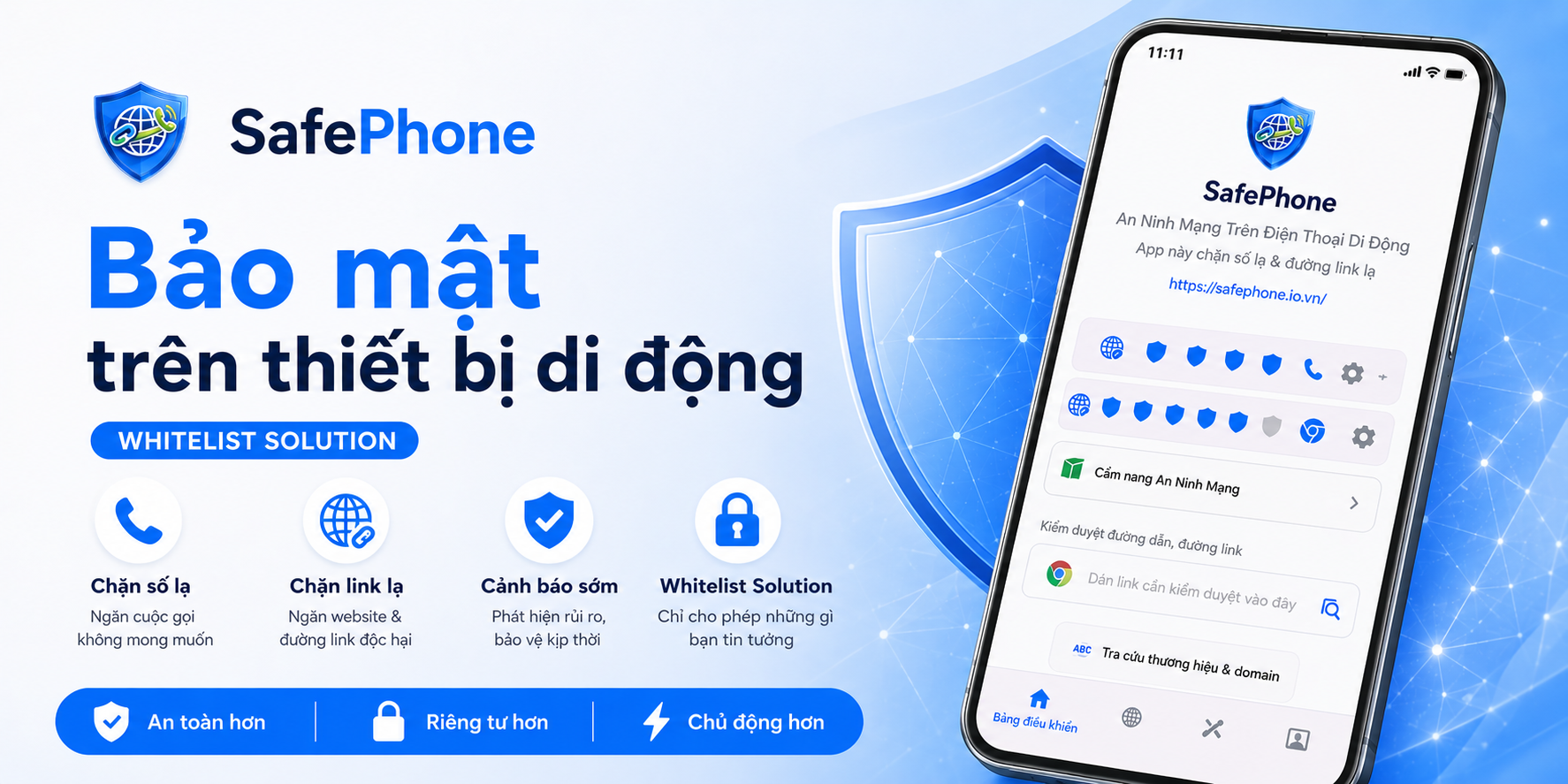
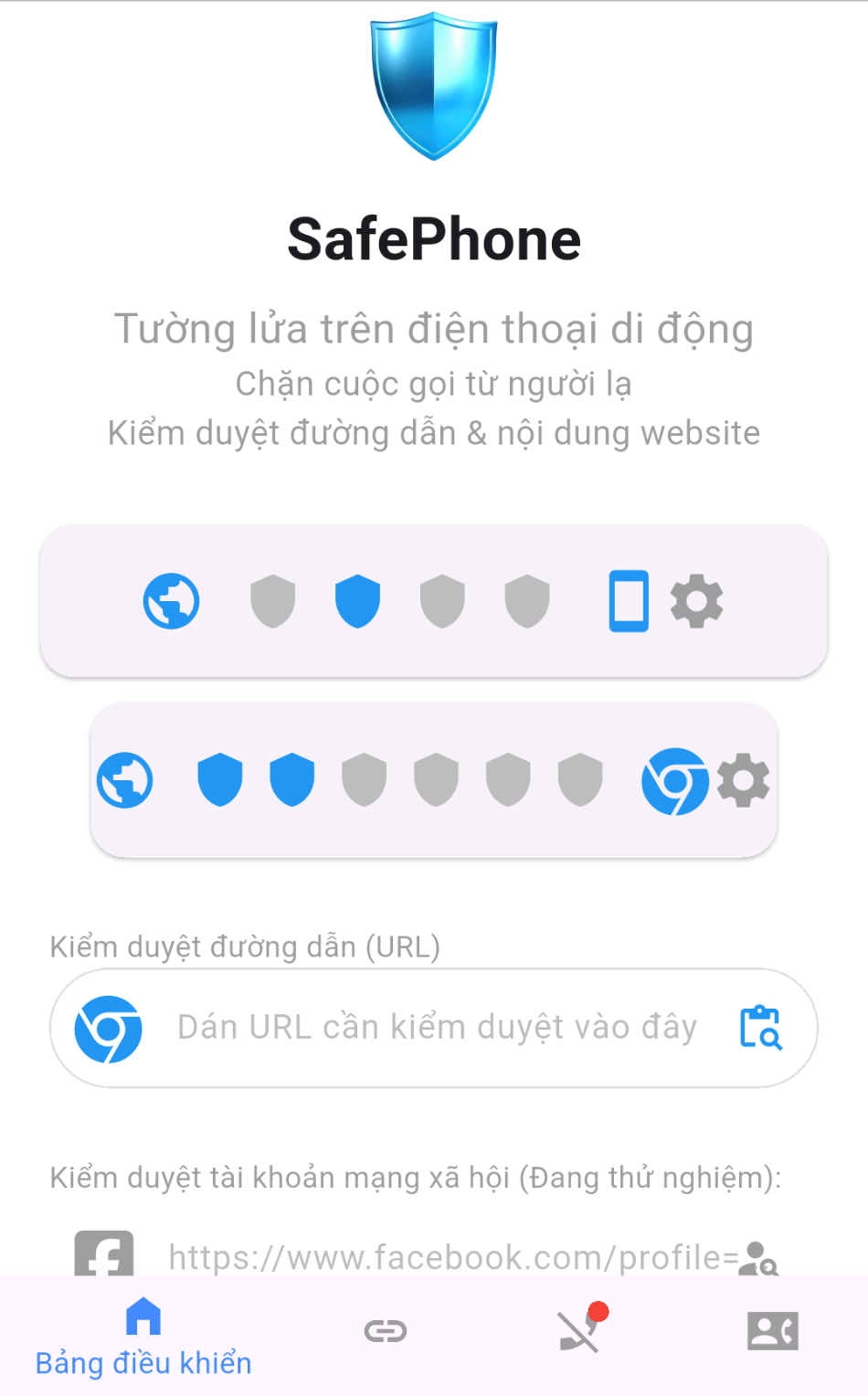
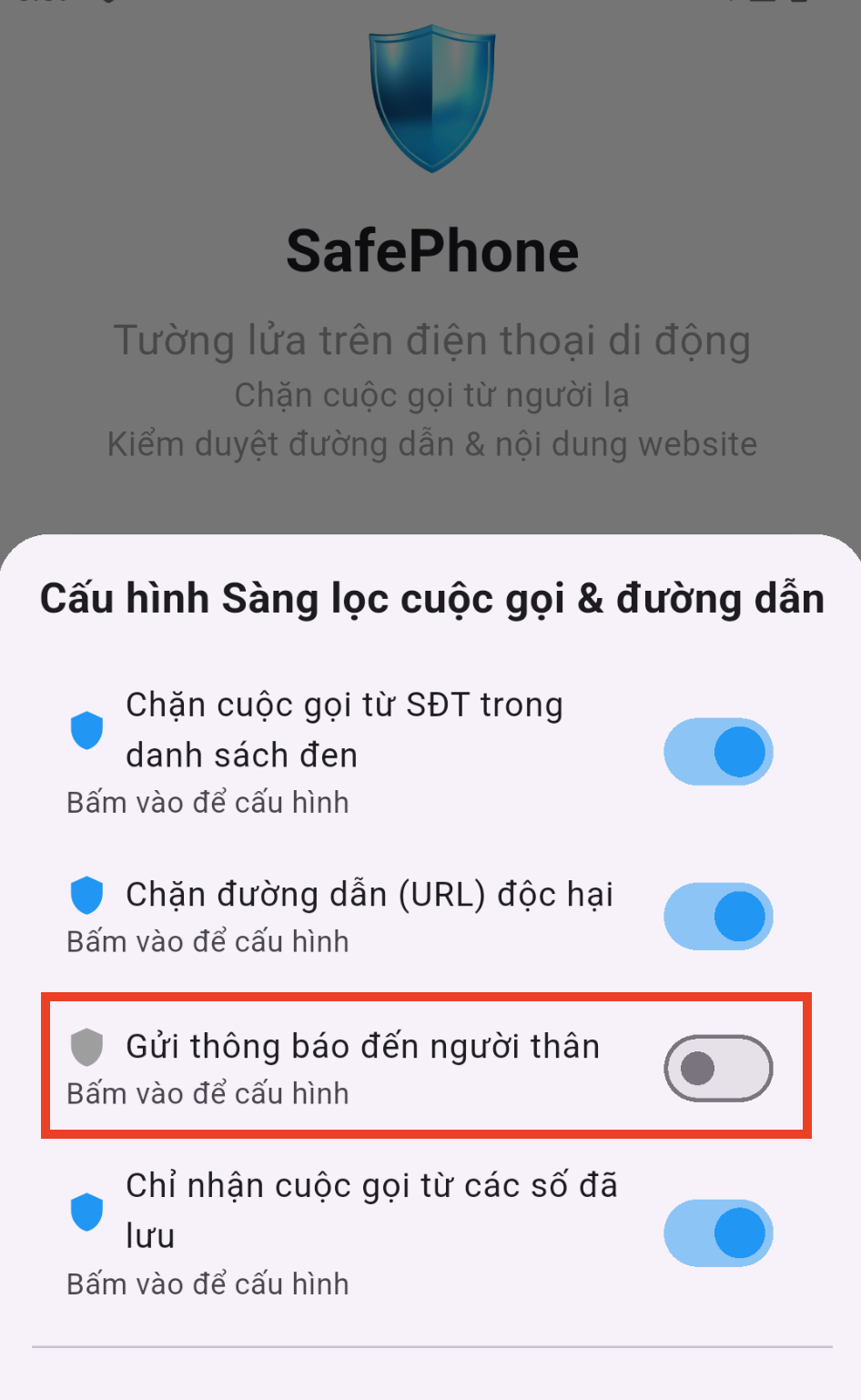
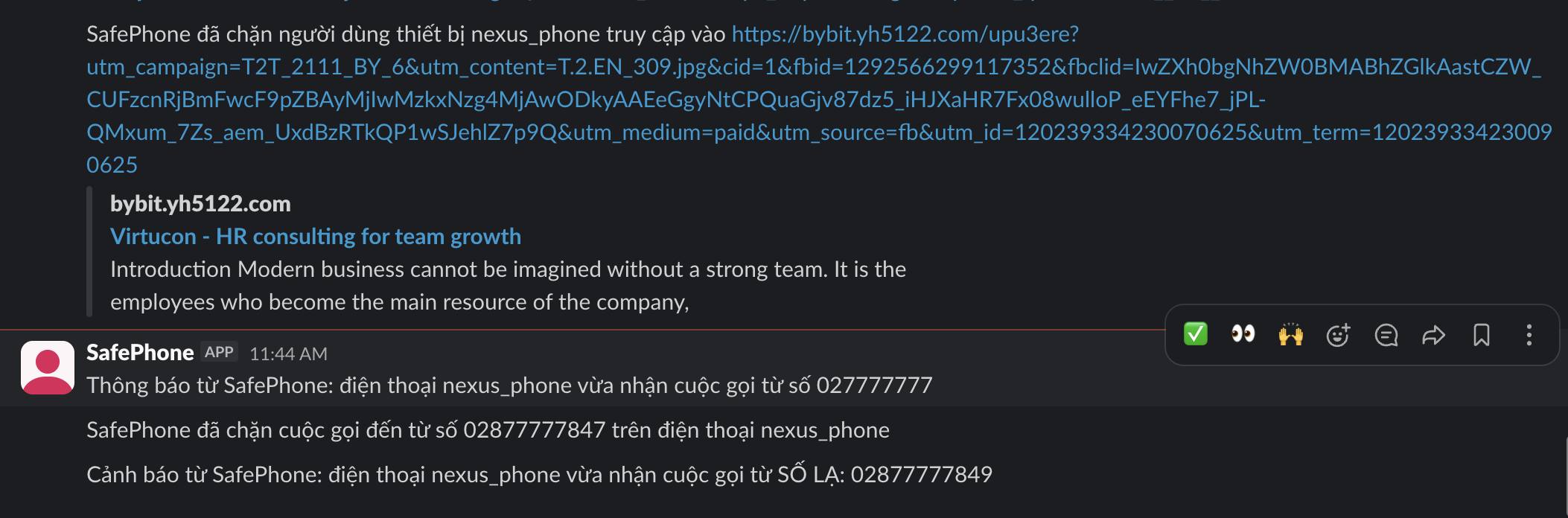
Phone, text message and fake website scams target everyone. SafePhone reduces the risk for each group of users.
Older adults
Easily lured by calls impersonating the police or a bank, or by strange links sent via SMS.
Risks: losing money from their accounts, leaking personal information, psychological manipulation.
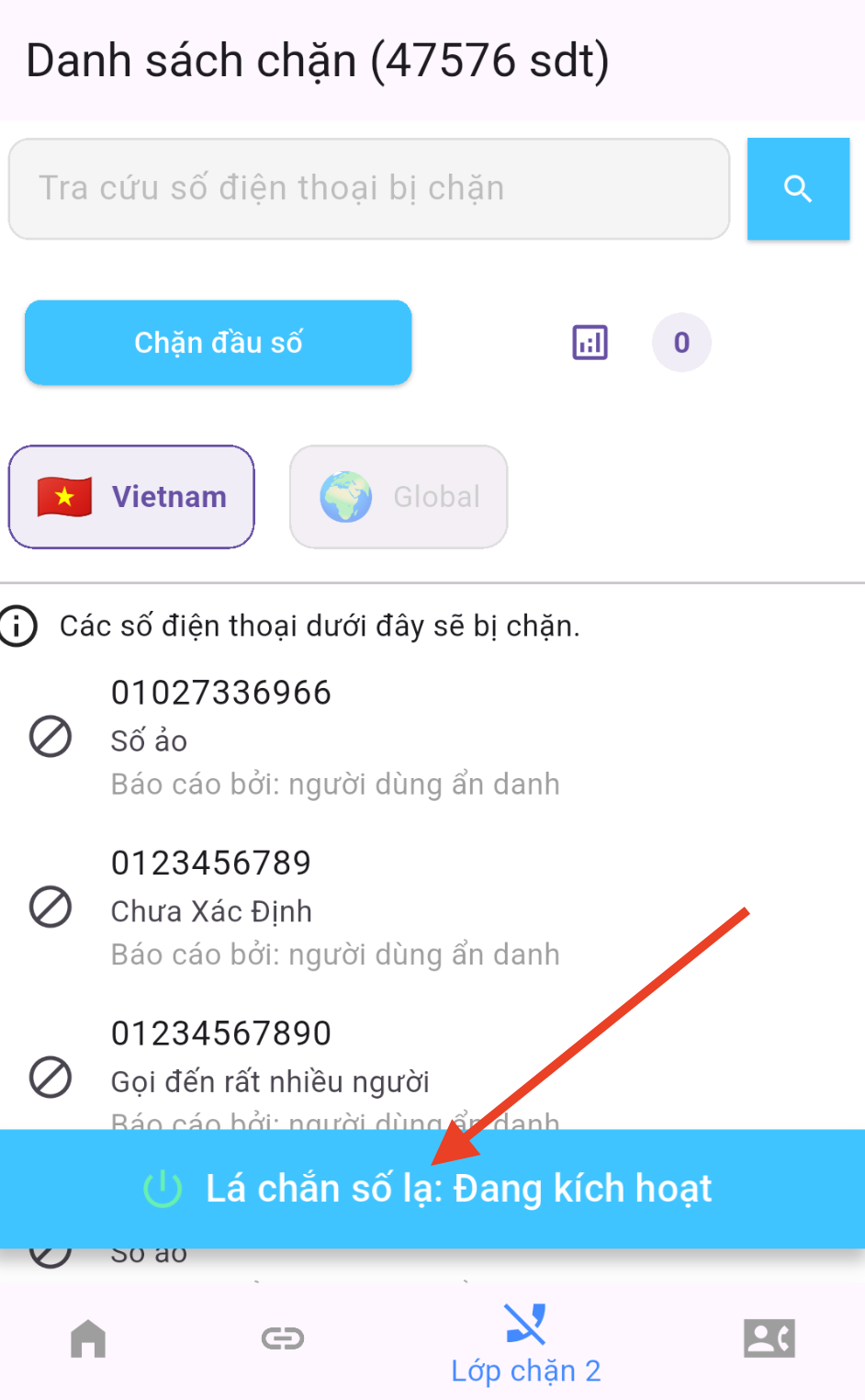
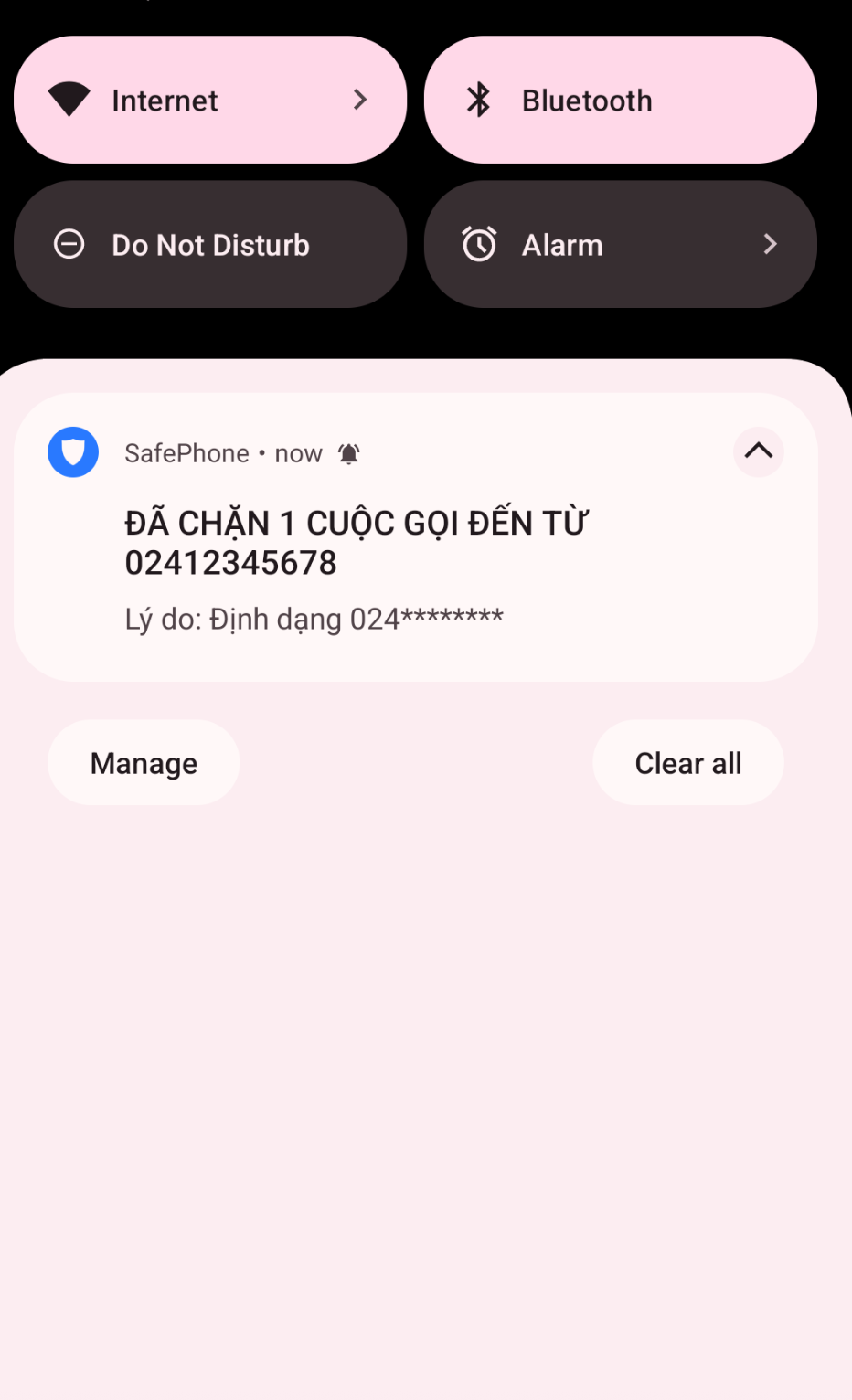
SafePhone blocks unknown calls and alerts their children and grandchildren when something looks suspicious.
Apps to protect elderly parents
Parents of kids with smartphones
Kids easily tap strange links, befriend strangers or download apps containing malware.
Risks: harmful websites, malware-laden apps, leaked personal information.
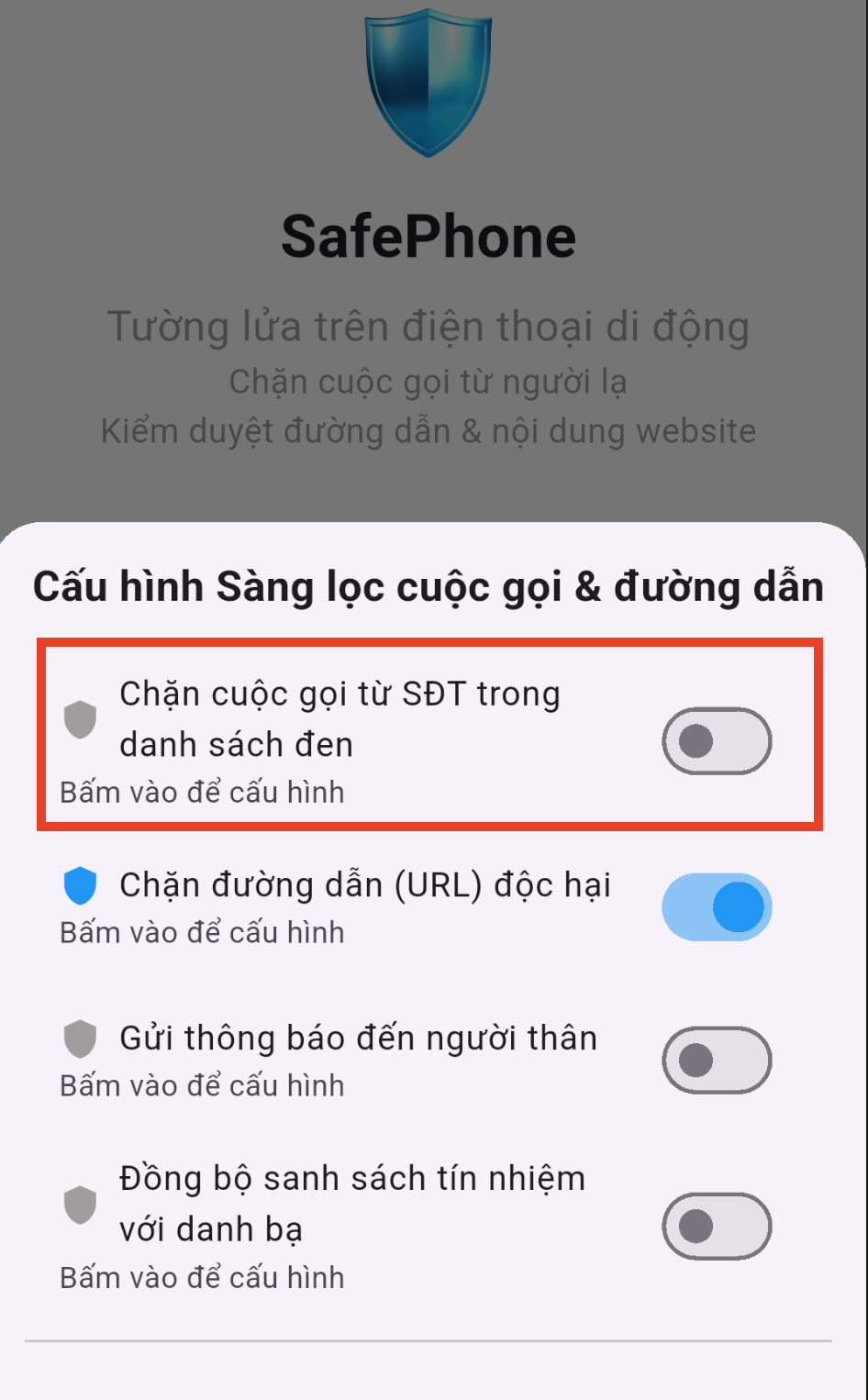
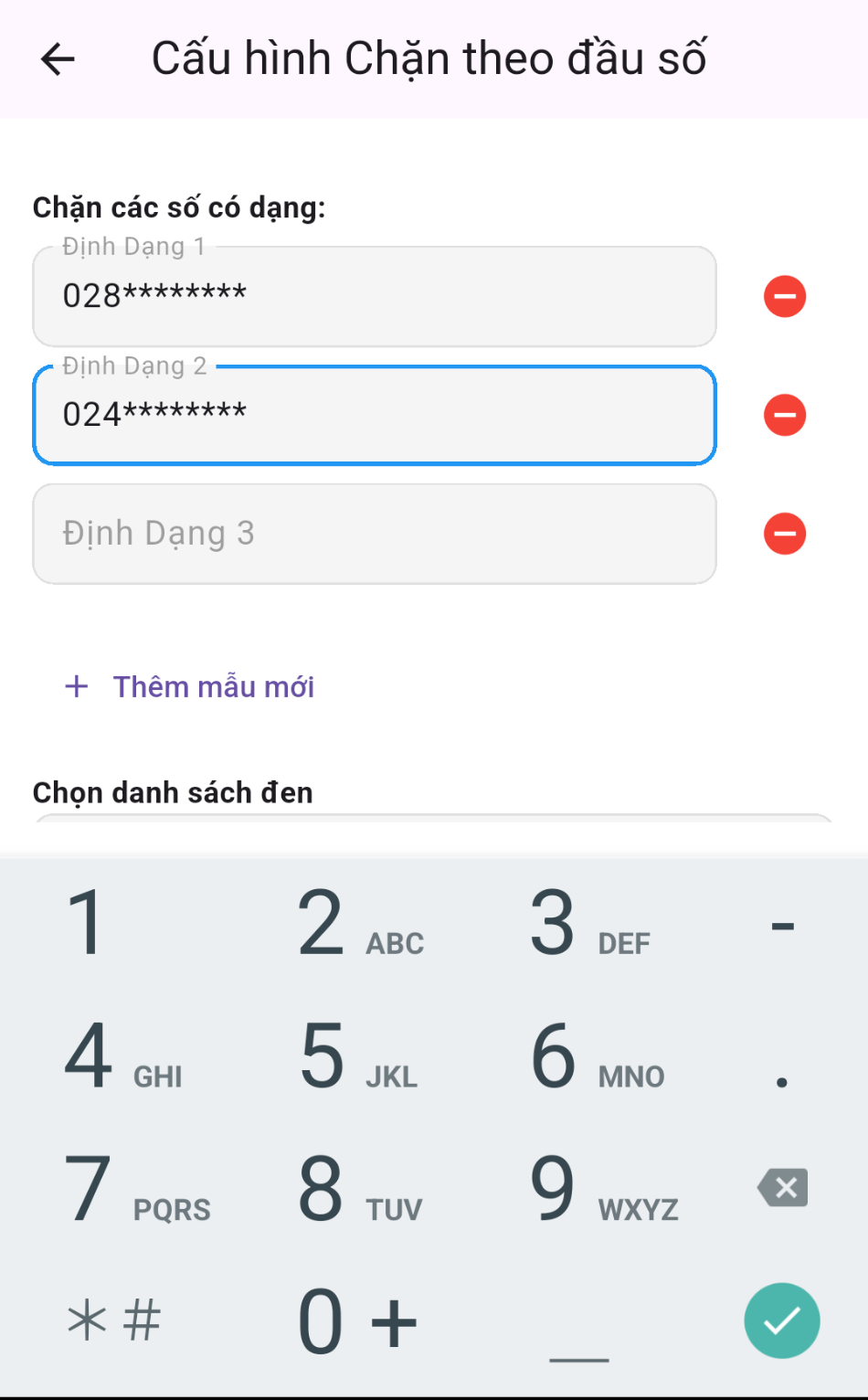
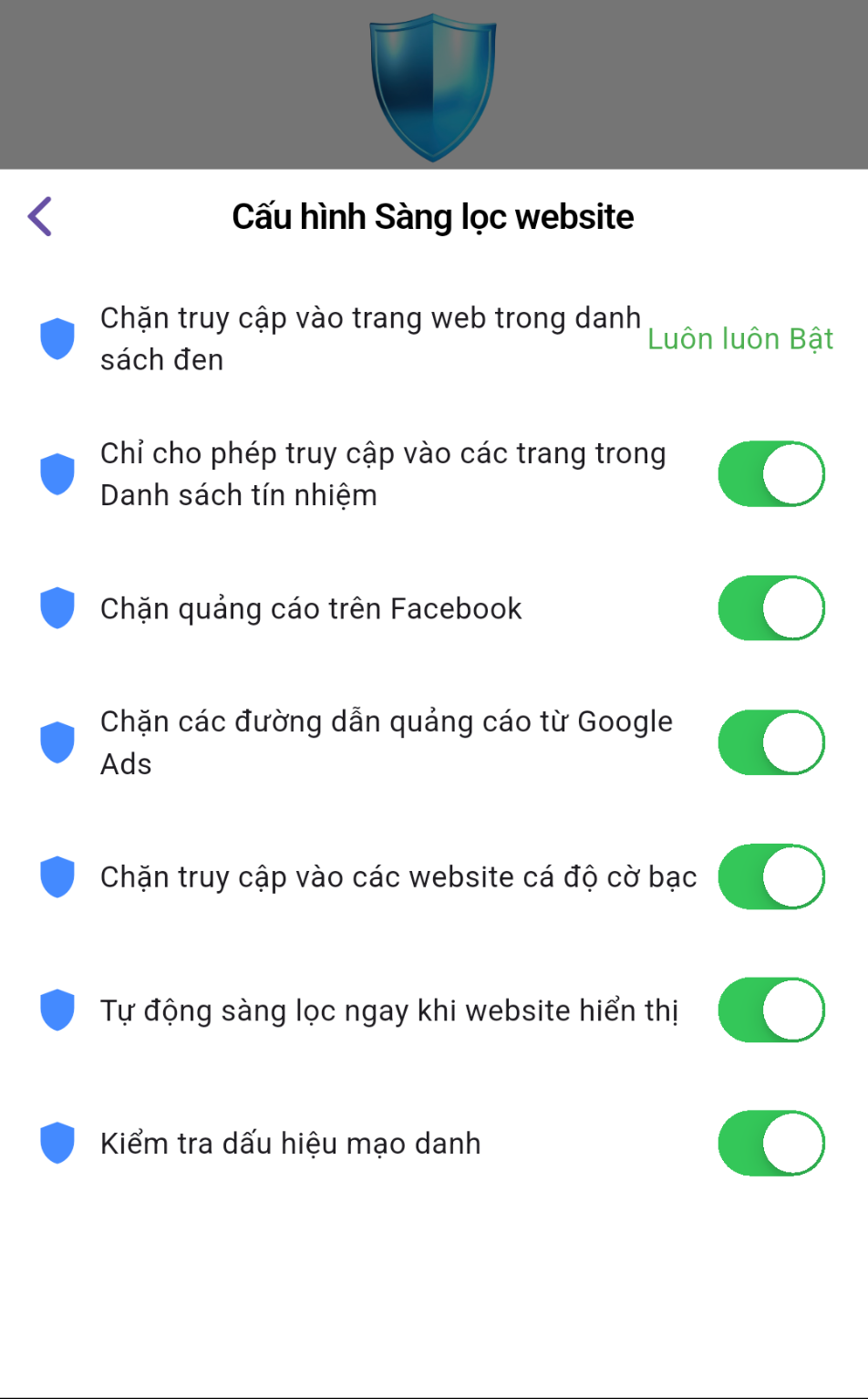
SafePhone blocks dangerous websites, blocks calls from outside the contact list and alerts parents.
Apps to protect children on phones
Office workers
Work emails are full of links and attachments — a prime target for phishing that impersonates business partners.
Risks: fake login pages, compromised work accounts, company data leaks.
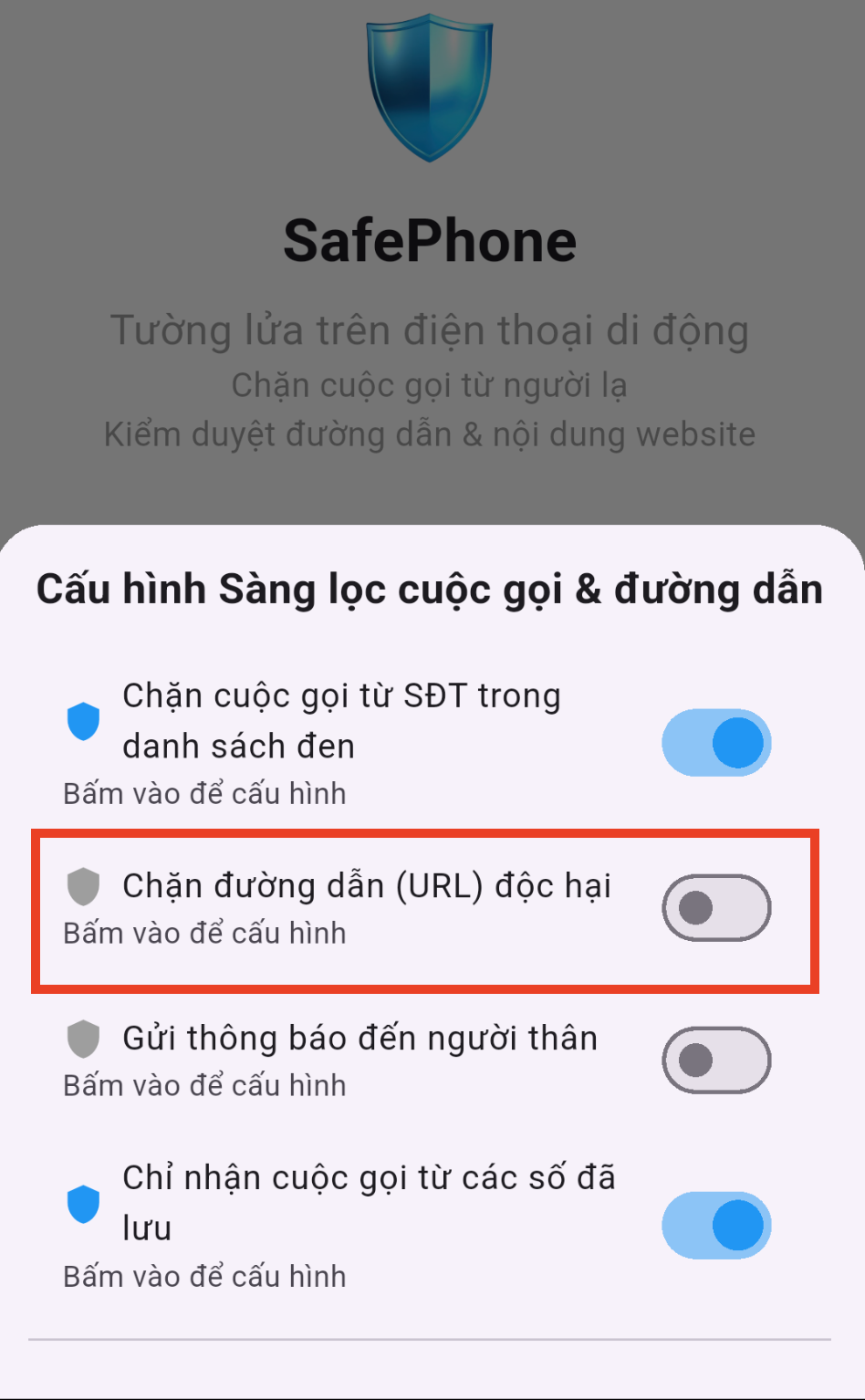
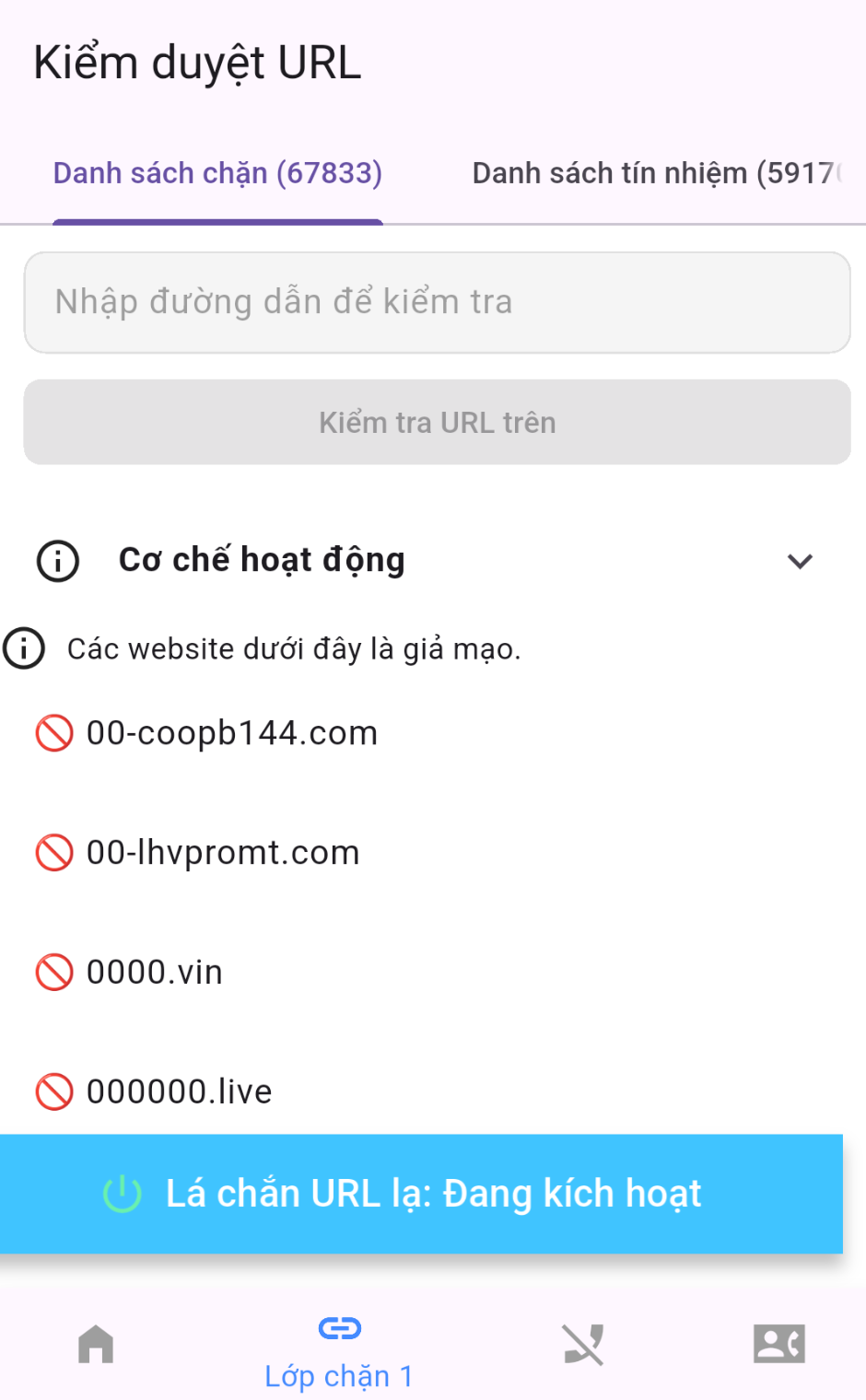
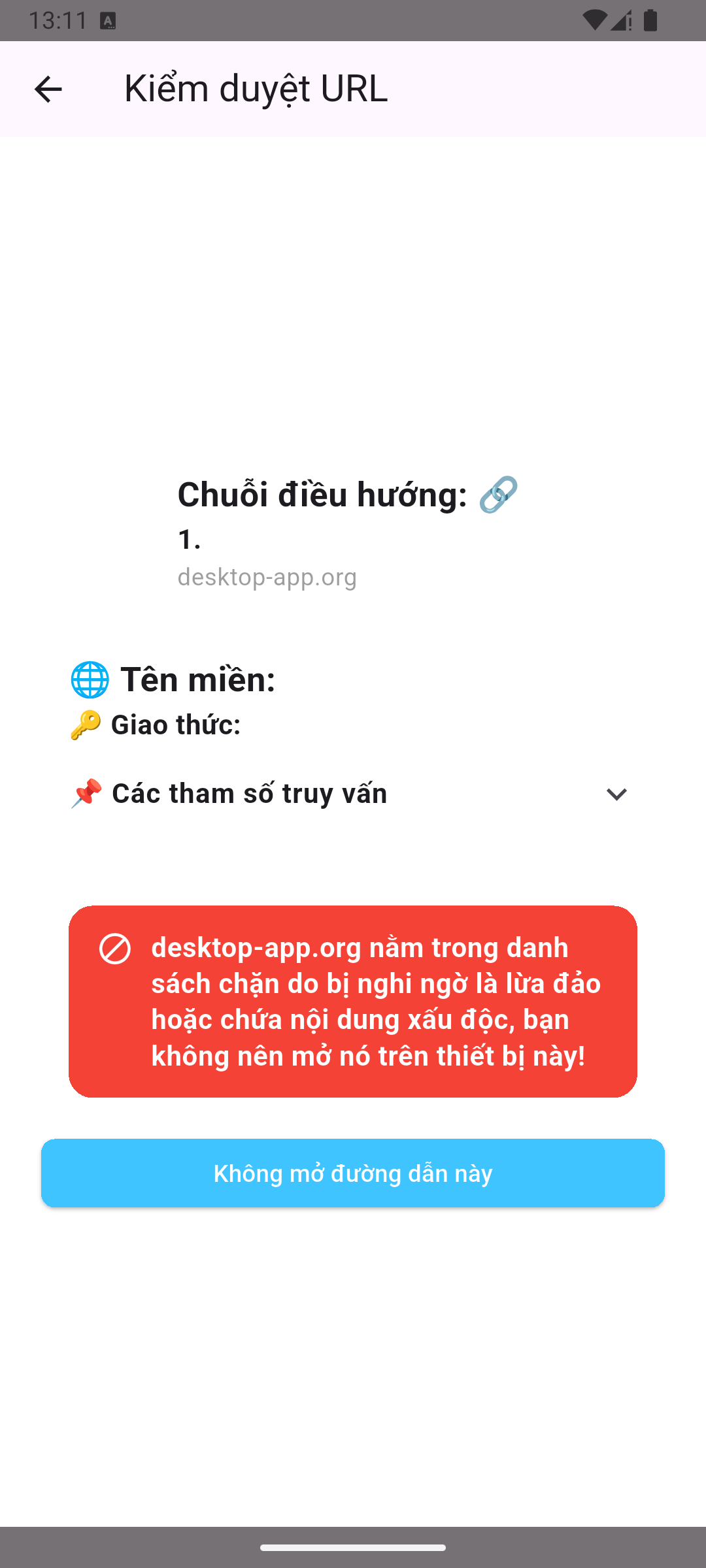
SafePhone checks links before opening them and matches them against phishing blacklists.
Apps for office workers
Online shoppers
Websites impersonating big brands even show up in ads.
Risks: paying for counterfeit goods, installing malware by mistake, leaking payment details.
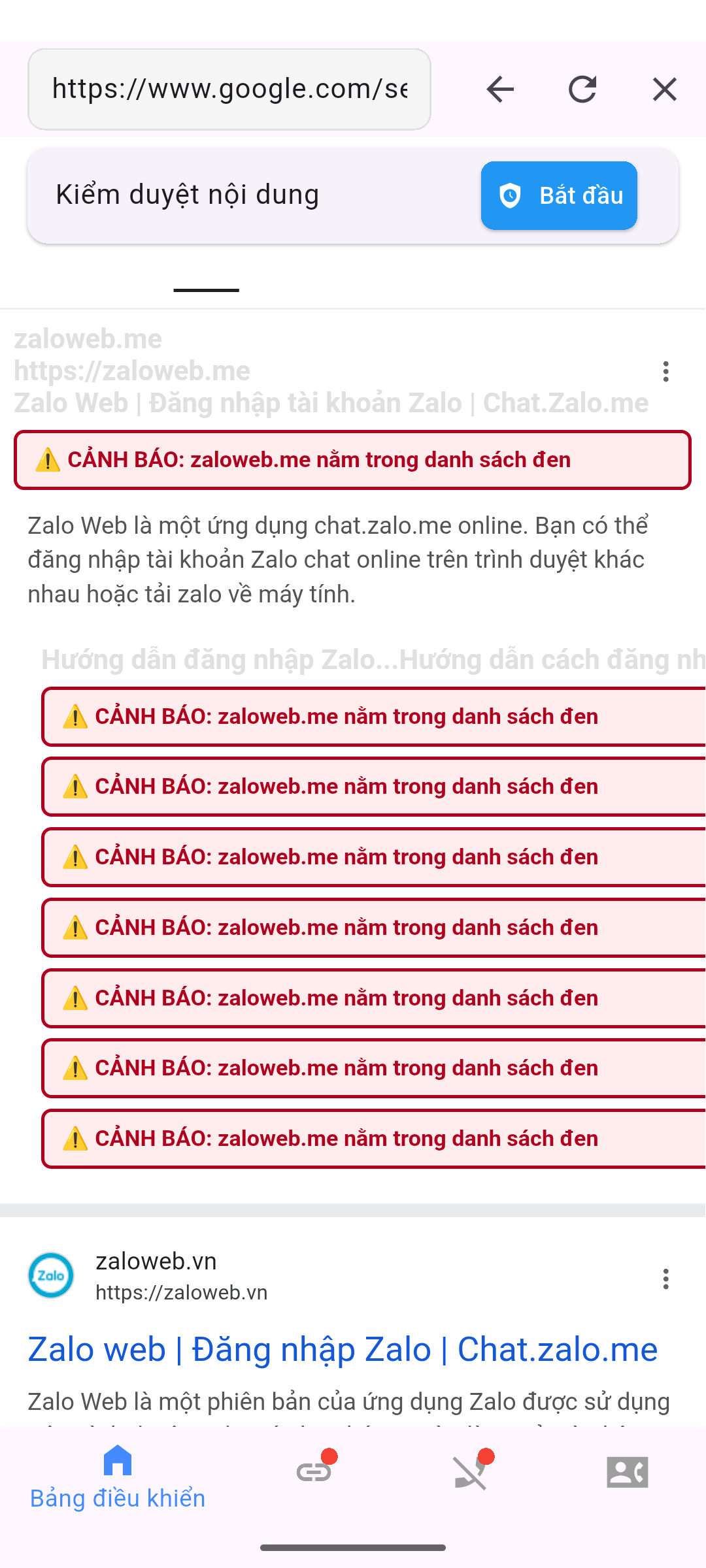
SafePhone rates website safety and blocks ads that lead to scam pages.
Best security apps for Android
Crypto investors
Scammers impersonate crypto exchanges and wallets to steal your assets.
Risks: fake exchanges, drained wallets, fake blockchain apps.
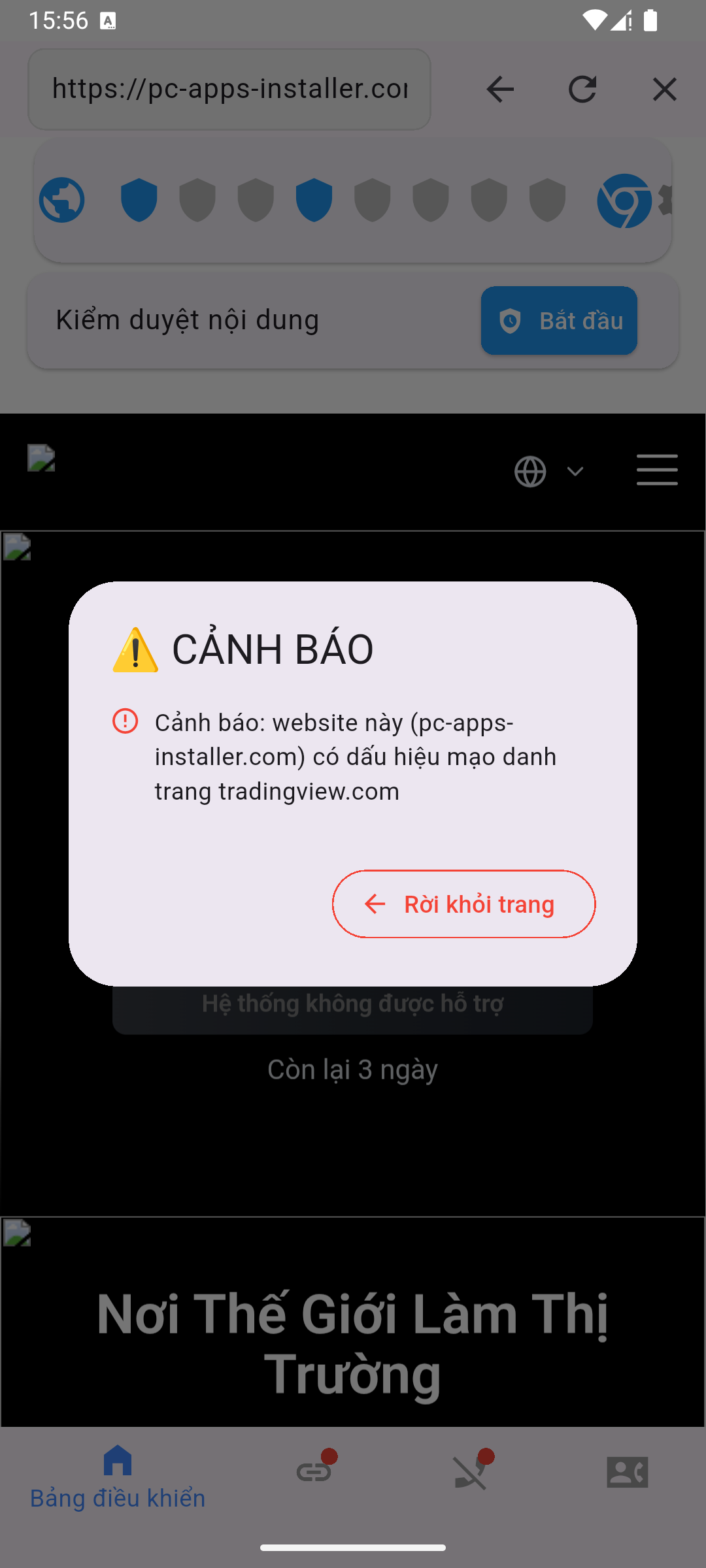
SafePhone checks the reputation of blockchain websites and detects lookalike domains.
Security apps for crypto traders
 SafePhone