 SafePhone
Best Apps for Seniors: Helping Parents and Grandparents Use Their Phones Safely
Parents and grandparents are using smartphones more and more to make calls, read the news, and stay entertained — but older adults are also the people scammers target most through calls, text messages, and malicious links. Installing the right apps for seniors stops most of these scams before they reach your parents, and lets you help them remotely. This article rounds up the apps worth installing for 5 key needs, plus a setup checklist for your parents' phone.
Protect your parents from scam calls and links with SafePhone

Why are seniors so easily scammed by phone?
- They trust people claiming to be “the authorities”: scripts impersonating the police, banks, the electricity company, or the social security or pension office play on fear and respect for official procedures.
- Less experience spotting fake links: a text saying “update your information” or “claim your benefits” with a link is very easy to tap.
- Reluctant to ask their children: many scripts tell victims to “keep it secret”, so by the time the family finds out, the money is already gone.
- Scammers are getting more sophisticated: they can fake a loved one's voice or video — see Common scam tactics in 2026.
1. Scam call blocker apps for seniors
Spam call blockers identify and stop scam phone numbers — the most important layer of protection for your parents.
SafePhone
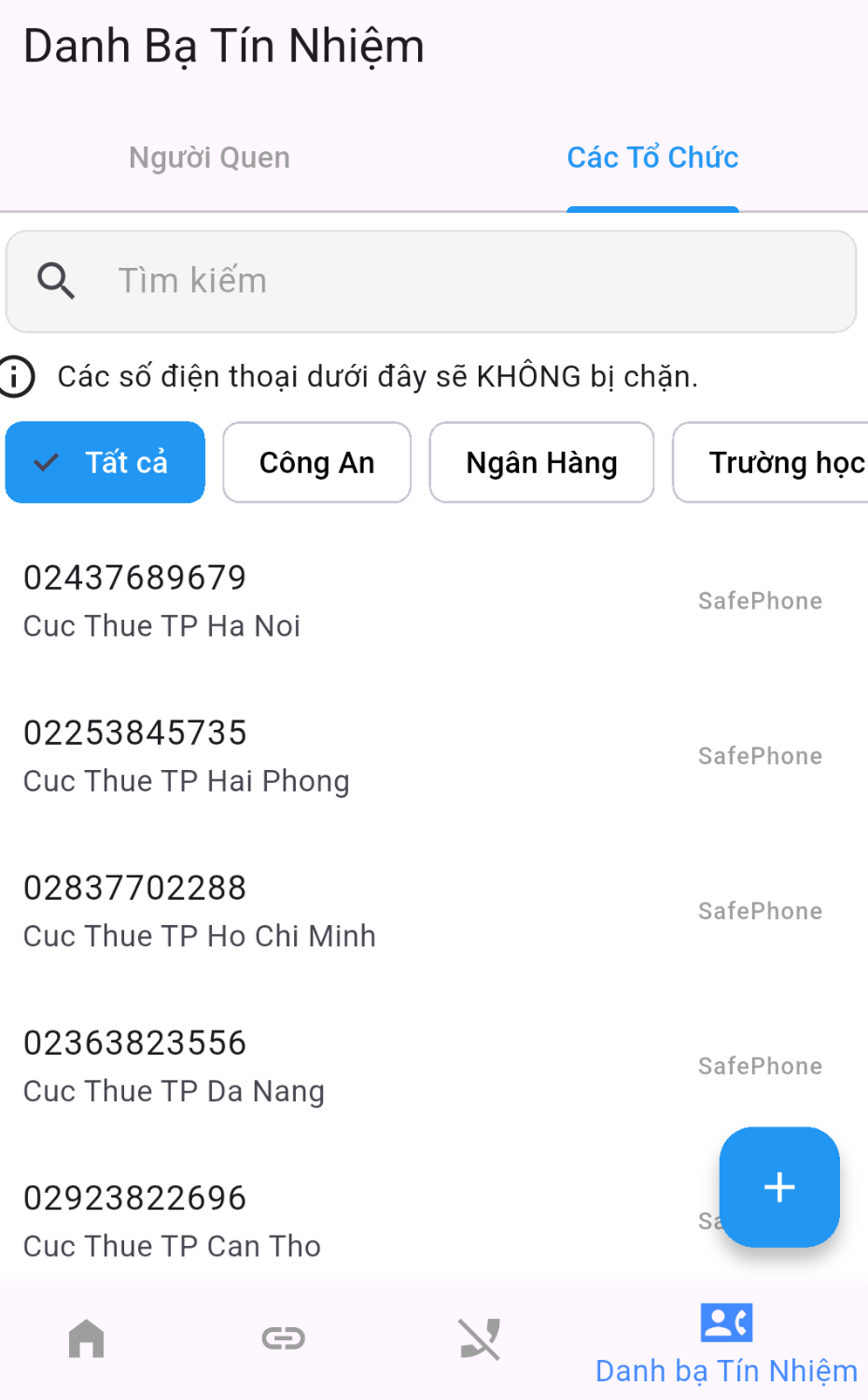
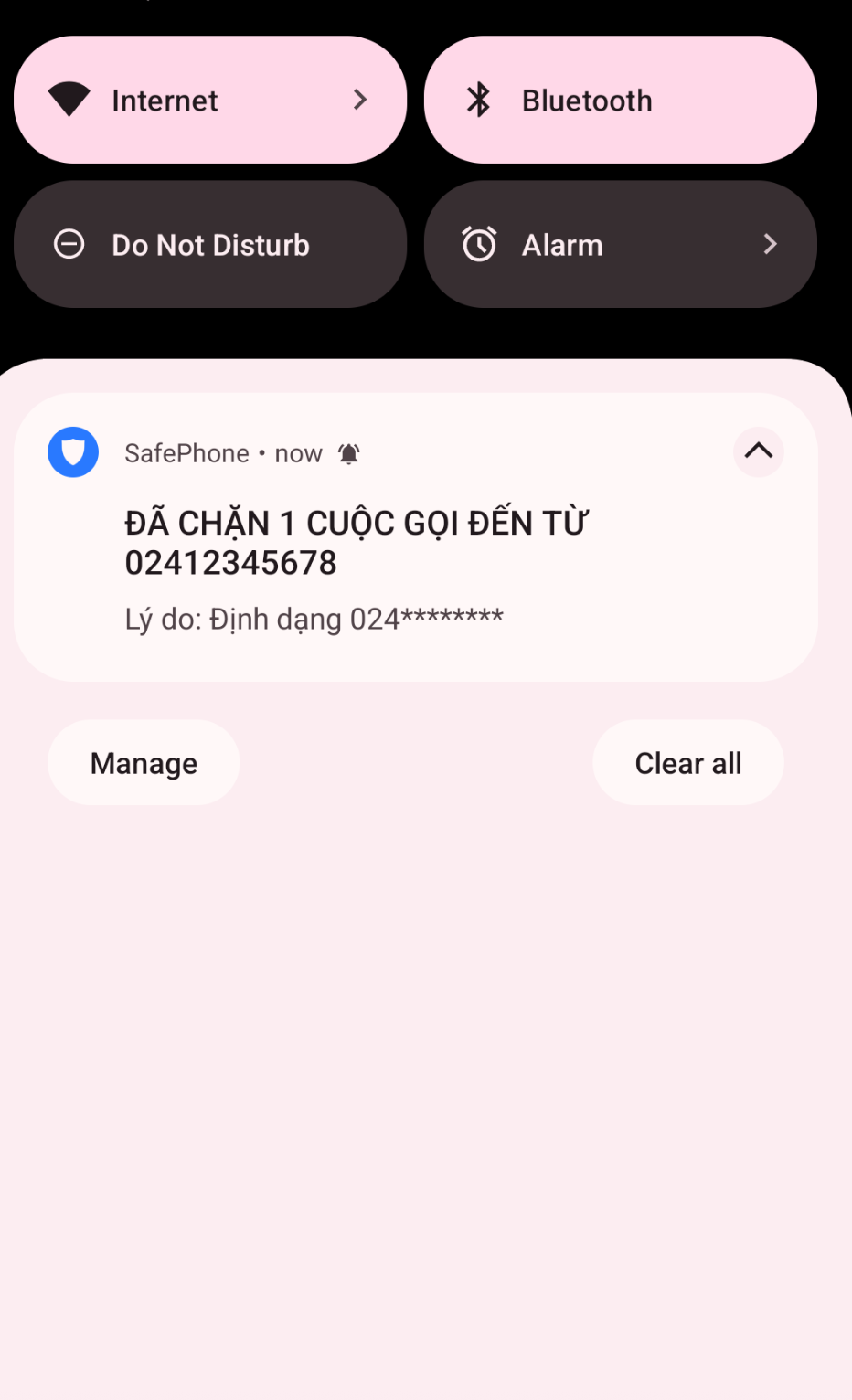
Automatically blocks numbers the community has reported as scams, lets you block by number prefix or pattern, or only accept calls from contacts plus a built-in list of trusted bank and government numbers. You can also get alerts when your parents receive calls from unknown numbers — see Protect your family from scam calls.
Cost: free. Available on Android.
Truecaller
Identifies unknown numbers, flags spam calls, and automatically blocks dangerous numbers. Its feature-packed interface can be a bit complicated for older users.
Cost: free version available; paid plans cost about $75/year (Premium) up to $249/year (Gold).
See a detailed comparison of call blockers in Best call blocker apps compared.
2. Apps that protect your parents online
Older adults are prone to tapping links from unknown sources. Internet security apps help reduce this risk.
SafePhone
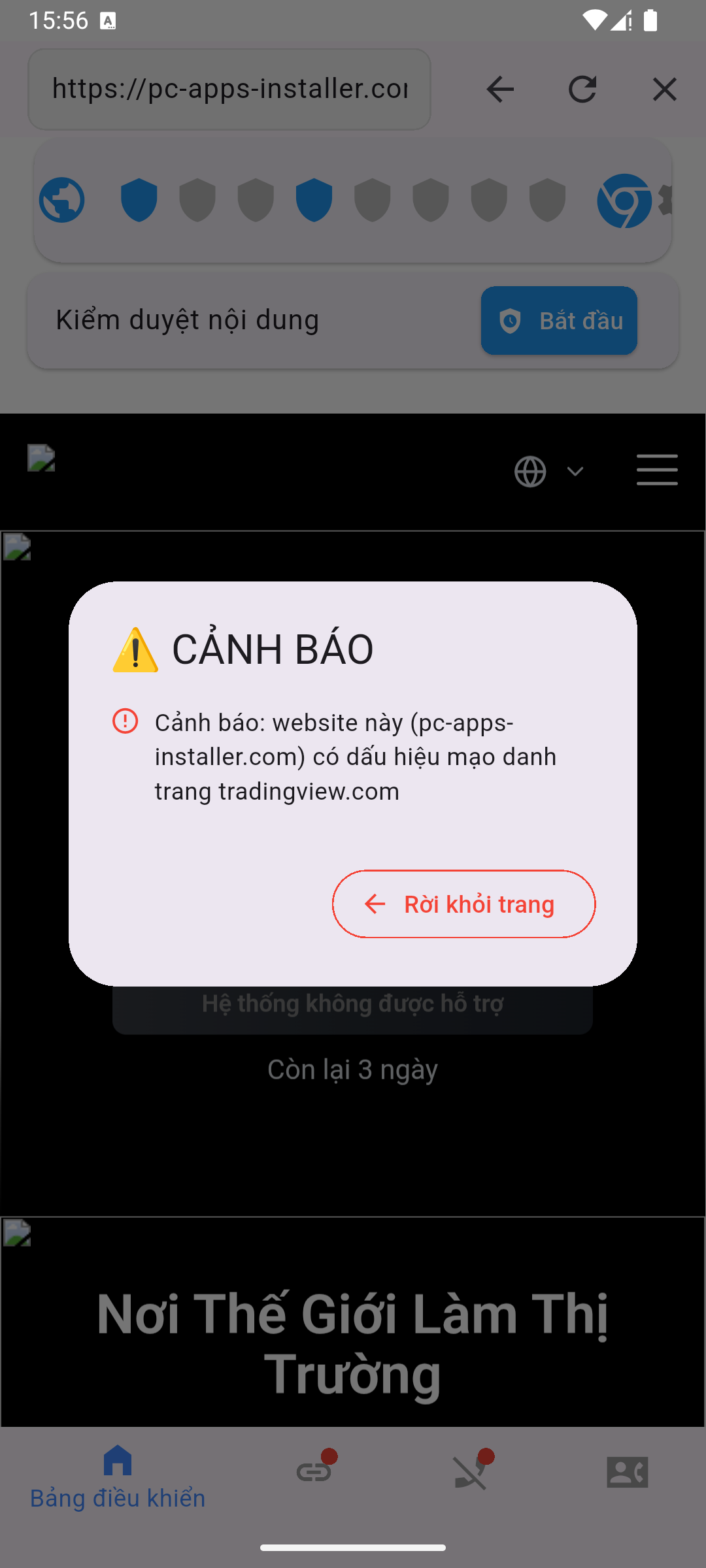
Warns about scam websites, blocks malicious links, and keeps your parents away from dangerous sites, especially links received via text messages or social media. If your parents only use a few familiar sites, you can turn on trusted-sites-only mode; you can also get alerts when a family member opens a suspicious link.
Cost: free.
Kaspersky Mobile Security
Protects the device from malware and dangerous websites.
Cost: about $40–100/year.
3. Apps for helping your parents remotely
Remote support apps let you fix your parents' phone problems without being there in person.
- TeamViewer: control or view the phone's screen remotely to help with settings and troubleshooting.
- AnyDesk: a fast, easy-to-use remote access solution.
4. Location sharing apps
Location tracking apps let you know where your parents are when needed, for example if a grandparent gets lost or runs into trouble.
- Life360: real-time location tracking with alerts when something goes wrong.
- Google Maps (location sharing): lets you share your location directly with family members; available on almost every Android phone.
Agree on location sharing with your parents first so they feel cared for, not watched.
5. Simple, large-text interface apps for seniors
Some apps designed for older adults make the interface easier to use and help prevent accidental taps.
- Simple Launcher: a clean interface with large, easy-to-see icons.
- Big Launcher: designed for seniors, with large text and easy controls.
Many Android phones also have a built-in Easy mode or an option to enlarge text under Settings → Display (the menu name may vary by manufacturer and version).
Summary table of apps for seniors
| Need | Apps | Cost |
|---|---|---|
| Blocking scam calls | SafePhone, Truecaller | SafePhone is free; Truecaller has a free version and paid plans |
| Blocking scam links and websites | SafePhone, Kaspersky Mobile Security | SafePhone is free; Kaspersky is paid |
| Remote support | TeamViewer, AnyDesk | Free for personal use |
| Location sharing | Life360, Google Maps | Free version available |
| Simple interface | Simple Launcher, Big Launcher | Varies by app |
Safe phone setup checklist for your parents
Next time you visit home, spend 20 minutes doing the following on your parents' phone:
- Install SafePhone from Google Play and turn on automatic scam-number blocking.
- Save the numbers of children, grandchildren, friends, and doctors to contacts, then consider turning on contacts-only calling.
- Set SafePhone as the default browser so every link your parents tap gets checked.
- Create a Slack channel for alerts for your family and turn on unknown-call and suspicious-link alerts.
- Turn on Google Play Protect and uninstall unfamiliar apps they don't use.
- Enlarge the text or install a simple launcher; pin your phone number to the home screen.
- Turn on location sharing with the family if your parents agree.
What to tell your parents
- The police and banks never ask you to transfer money, read out an OTP, or install an app over the phone.
- Don't tap links in unfamiliar text messages, even if the message appears to come from your bank or the electricity company.
- Don't install apps because a stranger told you to, especially remote-control apps.
- Got a suspicious call? Hang up and call your children right away before doing anything else.
- Hear a family member's voice urgently asking to borrow money? Call them back on their usual number to verify.
More general principles are in How to stay safe online. Have young kids at home? See Apps to protect children on phones.
Conclusion
You don't need to load your parents' phone with apps: a scam call and link blocker like SafePhone, a way to help remotely and share locations, and a large-text interface already cut the risk significantly. Most important of all, make sure your parents know they can always call you before following any request made over the phone.
Install SafePhone for free on your parents' phone
FAQ
Which app blocks scam calls for seniors?
SafePhone automatically blocks numbers reported as scams by the community, blocks by number prefix, or only lets through calls from contacts and trusted bank and government numbers. The app is free on Android.
How can I know when my parents get a call from an unknown number?
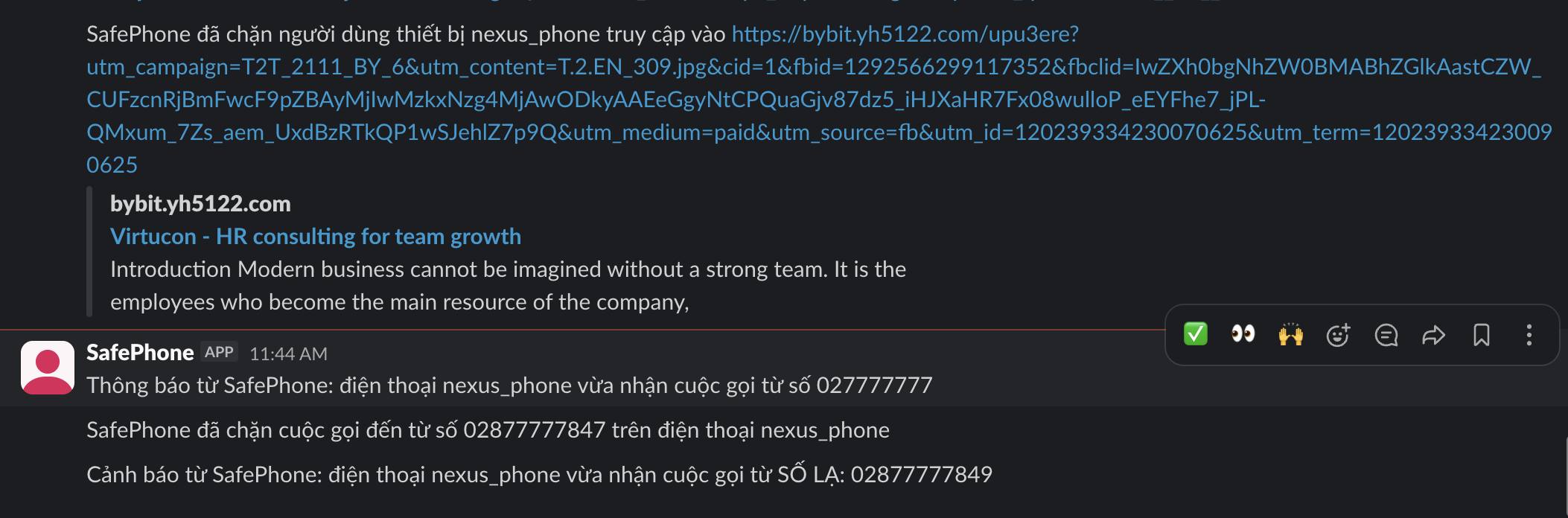
Install SafePhone on your parents' phone and turn on the send-alerts-to-family feature. Whenever your parents receive a call from an unknown number or tap a suspicious link, an alert is sent to your family's Slack channel so you can call them back in time.
Should I install TeamViewer or AnyDesk for my parents?
You can, so that you can help them remotely. But tell your parents to only open a connection session when you yourself are walking them through it, because scammers often ask victims to install these apps to take over their phones.
Will blocking calls from non-contacts make my parents miss calls from their bank?
SafePhone comes with a built-in list of trusted bank and government numbers, so those can still get through. Numbers for delivery drivers or a new clinic need to be saved to contacts first.